How to Upscale Low-Resolution Product Images Without Losing Quality

The Cost of "Quick Fix" Scaling
Most production teams rely on basic scaling tools that duplicate existing pixels. This leads to the infamous "softening" of edges, where the image appears out of focus and lacks structural definition. In professional workflows, this isn't just an aesthetic issue; it’s a failure of data representation. When you stretch a low-res image using legacy methods, you aren't creating detail; you are simply smoothing over the lack of it, which is unacceptable for high-end creative work.
Case Study: Saving a $10,000 Production Shoot
Last month, a creative agency approached us after a failed export of a primary product campaign asset. The original file was captured at a sub-optimal resolution for a billboard placement. Using traditional upscaling, the product's edge definition collapsed, and the textures looked muddy. By running the assets through our engine—specifically adjusting the settings in —they were able to recover intricate surface details and sharp geometric edges. The result was a print-ready asset that saved them from a full re-shoot, essentially reclaiming the entire production budget.
How to Achieve Professional Results
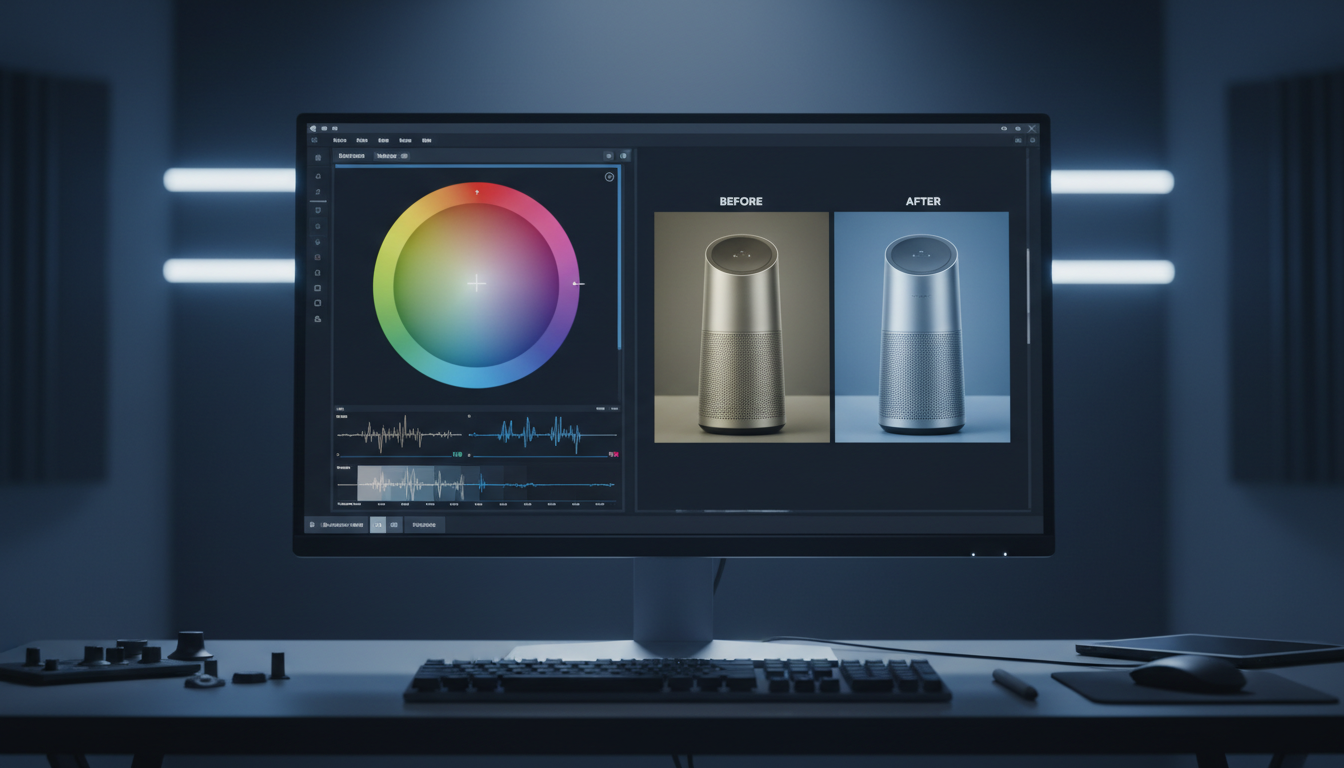
Modern AI-driven upscaling departs from basic interpolation by interpreting the content of the image. As shown in the interface, our engine allows for granular adjustments—from "Face Enhancement Strength" to precise "Magnification" levels (2X, 4X, 8X, 16X).
If you are struggling with blurry edges, don't just "scale." Use these three levers to maintain quality:
- Magnification Scaling: Start with 2X for minor adjustments, or push to 16X for massive scale-ups.
- Face Enhancement: If your asset is a portrait, use the "Face Enhancement Strength" slider to reconstruct skin texture without blurring the background.
- Creative Balance: Use the "Creativity" slider to decide how much the model should "hallucinate" new details versus sticking strictly to the original pixel structure.
Beyond Upscaling: Creating a Consistent Workflow
Upscaling shouldn't happen in a vacuum. To build a robust production pipeline, you need to combine resolution enhancement with other visual tools.
- Need more control over perspective? Once your asset is high-resolution, head over to our Multi-angle Camera Control tool to generate new viewpoints without needing a 3D model.
- Fixing poor lighting? Use our Image Relight tool to ensure your upscaled product shots have perfect studio-grade illumination before final export.
.png)
Why LinkfilmAI?
We prioritize structural clarity and production-ready output, ensuring that your assets don't just "get bigger," but actually get better.
- Structural Integrity Lock: Our models preserve the edges and geometric definitions of your source assets, preventing the "ghosting" effects common in standard AI tools.
- Granular Control: As seen in our specialized sliders, allows you to specifically refine portrait fidelity without affecting the surrounding environment.
- API-First Production: Seamlessly plug our upscaling engine into your existing developer environment or creative workflow via our high-speed API, allowing you to batch-process thousands of assets without massive render queues.
Stop settling for blurry, stretched imagery. Leverage LinkfilmAI to breathe new life into your assets and ensure every pixel is engineered for maximum visual impact.