

AI Color Adjustment: Chromatic Profile Calibration
What is Image Color Adjust?
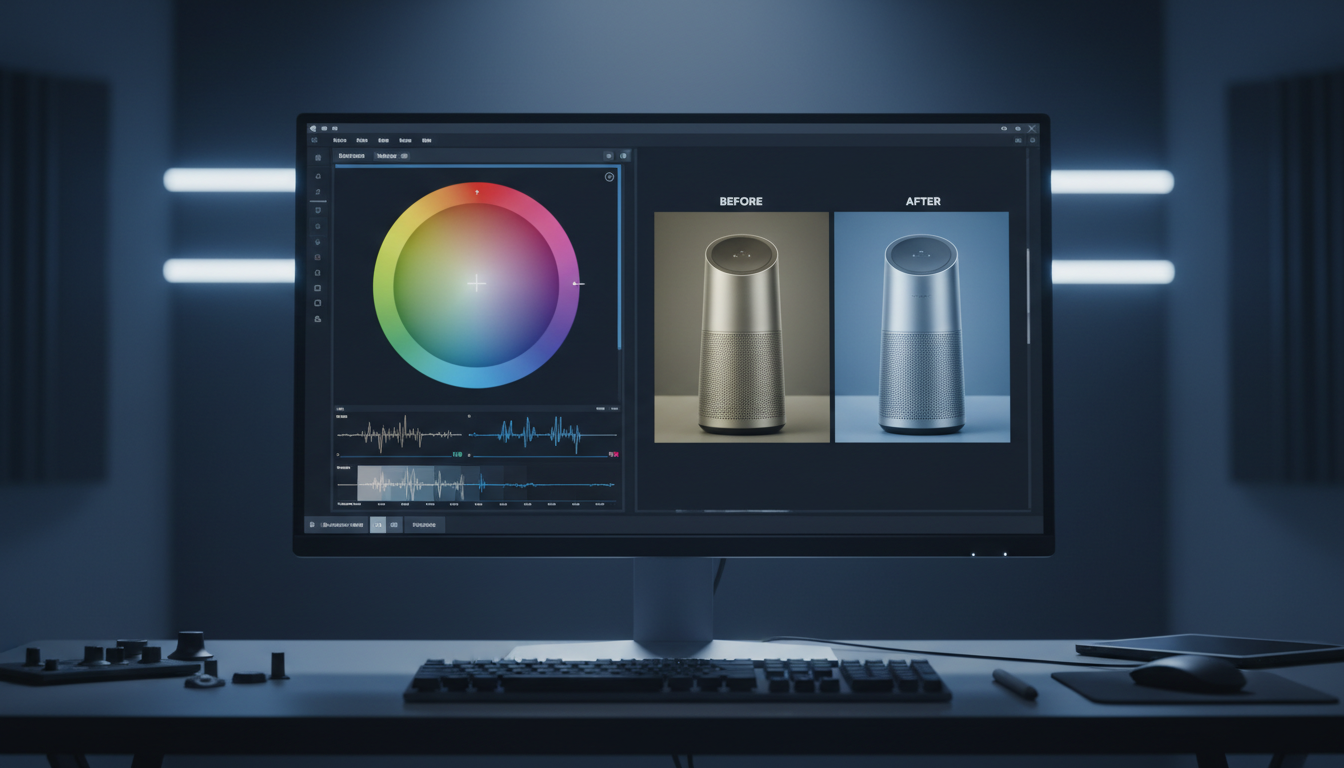
Direct Answer: AI Color Adjustment is a deep-learning color-correction technology that maps pixel color values to optimize exposure, white balance, and saturation. By analyzing the contextual layers within a scene, the model calibrates individual color channels natively to respect the original lighting environment and material properties of the source asset.
Why Use Image Color Adjust?
Traditional graphic software relies on simplistic mathematical adjustments to modify hue, saturation, and luminance. When you push a global slider to enhance a specific element—like making a product’s red logo pop—the math applies to the entire frame. This results in oversaturated skin tones, unnatural background color casts, and severe digital noise in dark areas.
To achieve production-grade quality, the color grading process must transition to local, semantic segmentation. By recognizing individual materials within an image (such as fabric, sky, or metal), the system adjusts chromatic values selectively, preserving the integrity of adjacent colors and keeping your assets ready for high-definition outputs.
Core Use Cases of Image Color Adjust
Implementing precise, non-destructive color calibration resolves several distinct creative pipeline challenges:
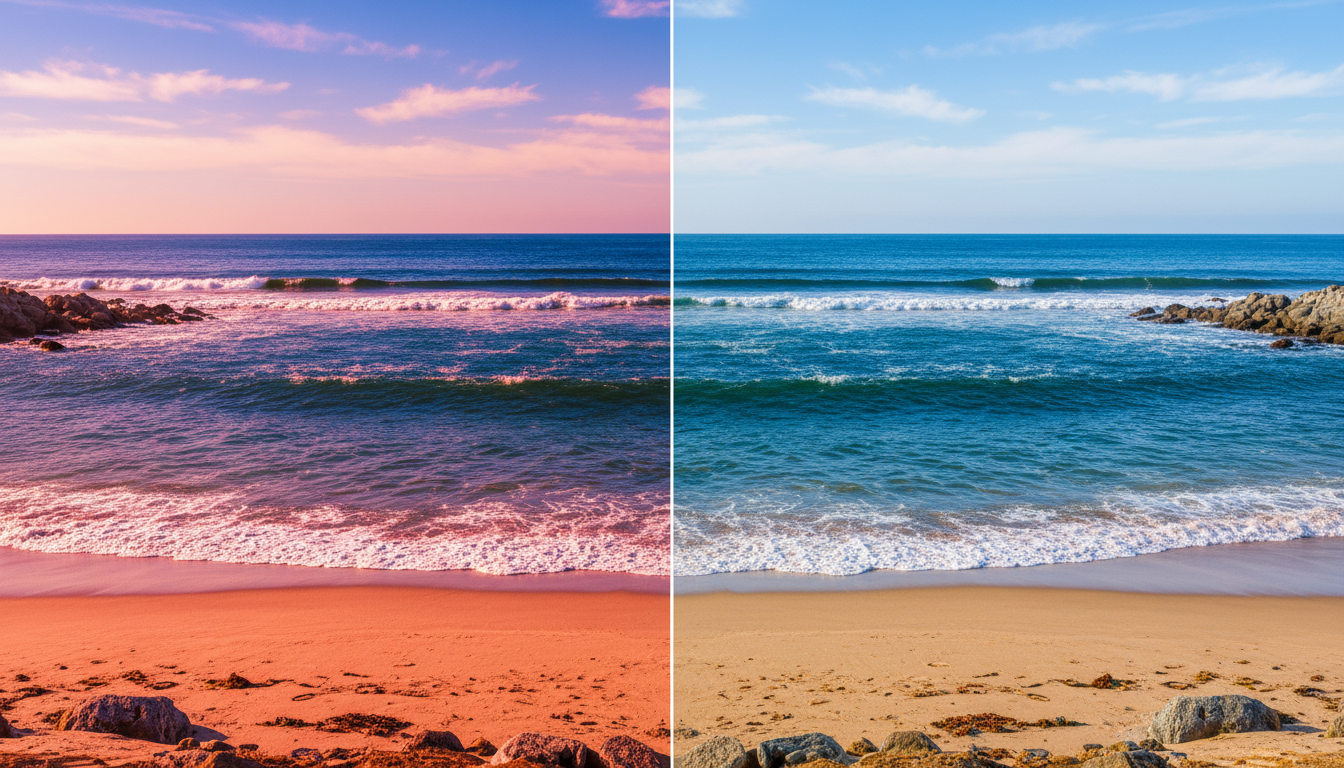
- Correcting Unwanted Color Casts: Instantly neutralize unnatural tints caused by poor studio lighting or mixed environmental temperatures, restoring realistic skin tones and material surfaces.
- Cohesive Campaign Standardization: Harmonize color profiles across diverse product shoots, ensuring fabrics and finishes match physical inventory parameters accurately under different lighting conditions.
- RAW and Flat Log Restoration: Breathe life into flat, low-contrast log-profile photography, instantly reconstructing realistic color depth and tonal ranges without destroying shadow details.
Weaknesses of Image Color Adjust
While highly advanced, automated color models involve specific technical trade-offs:
- Color Space Conversion Anomalies: Converting complex color spaces—such as moving from standard digital RGB to physical print CMYK—can occasionally result in minor saturation clipping in highly vibrant spectrums.
- Over-Correction on Ambiguous Lighting: In scenes with highly stylized, creative dual-tone lighting (like a neon cyber-punk setup), automated models can misinterpret the artistic colors as errors, attempting to "correct" them to standard daylight temperatures.
Why Choose LinkfilmAI Image Color Adjust?
LinkFlimAI rejects the automated "magic auto-color" button that makes arbitrary creative choices for you. Our workspace integrates color adjustment directly onto your connected canvas as an active, manual-first node:
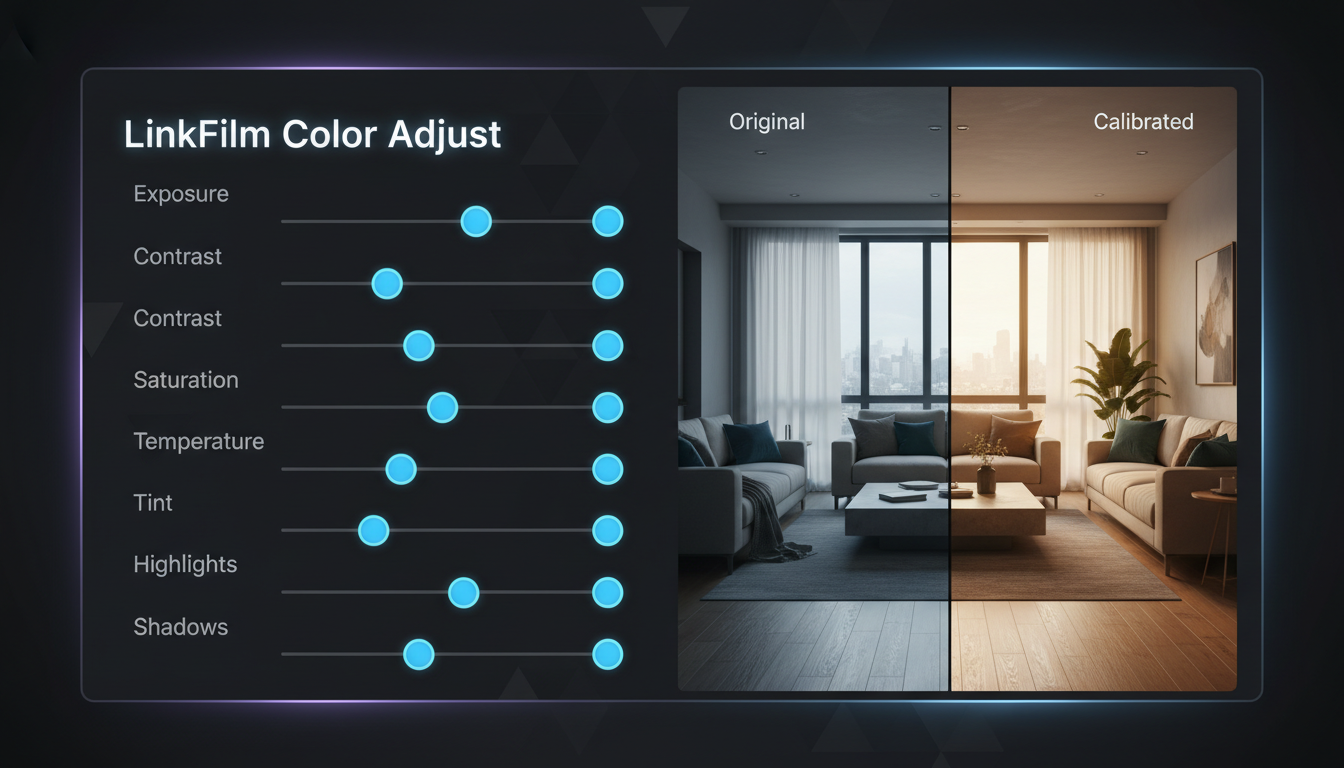
- Smarter Auto-to-Manual Calibration: Choose between instant, AI-assisted color balance and granular manual tuning. Our workspace gives you dedicated control sliders for Exposure, Contrast, Saturation, Temperature, Tint, Highlights, and Shadows.
- Ambient Lighting Balance: Dial in exact lighting temperatures calibrated to match real-world and studio lighting illuminants, ensuring your assets look natural under any digital display profile.
- Non-Destructive Comparison Pipelines: Track your changes in real time. Because our color adjust tool is an active node on an open canvas, you can compare before-and-after views natively, adjust your color parameters, and push the calibrated output straight to your generation or upscaling models without ever switching tabs.


.png)


