

Perfect Your Photo's Colors With One Click
Adjust brightness, contrast, saturation, white balance, and tone with AI-assisted precision or manual controls.
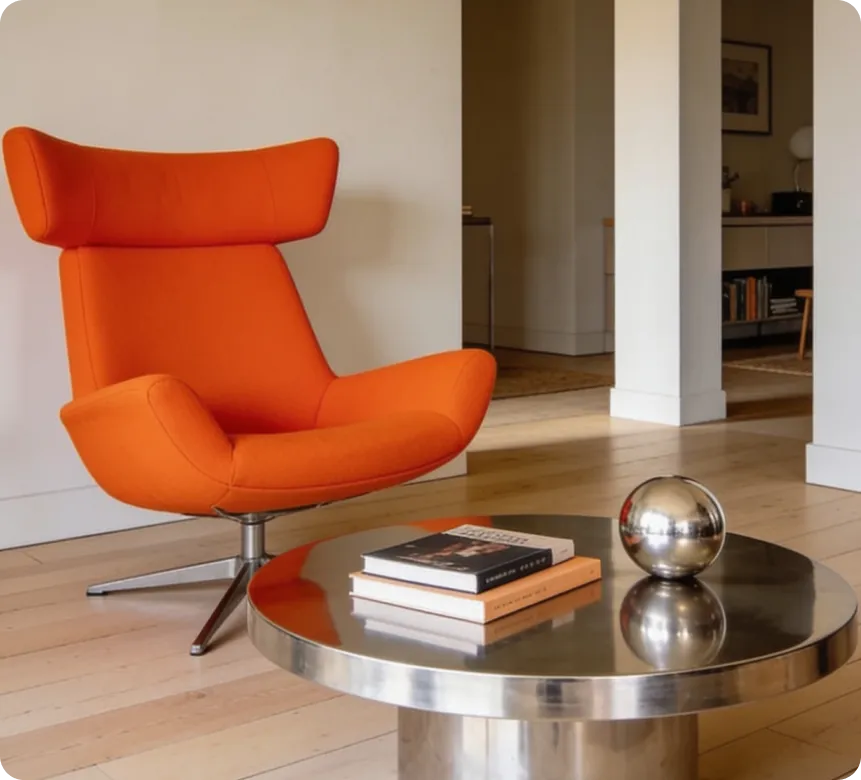
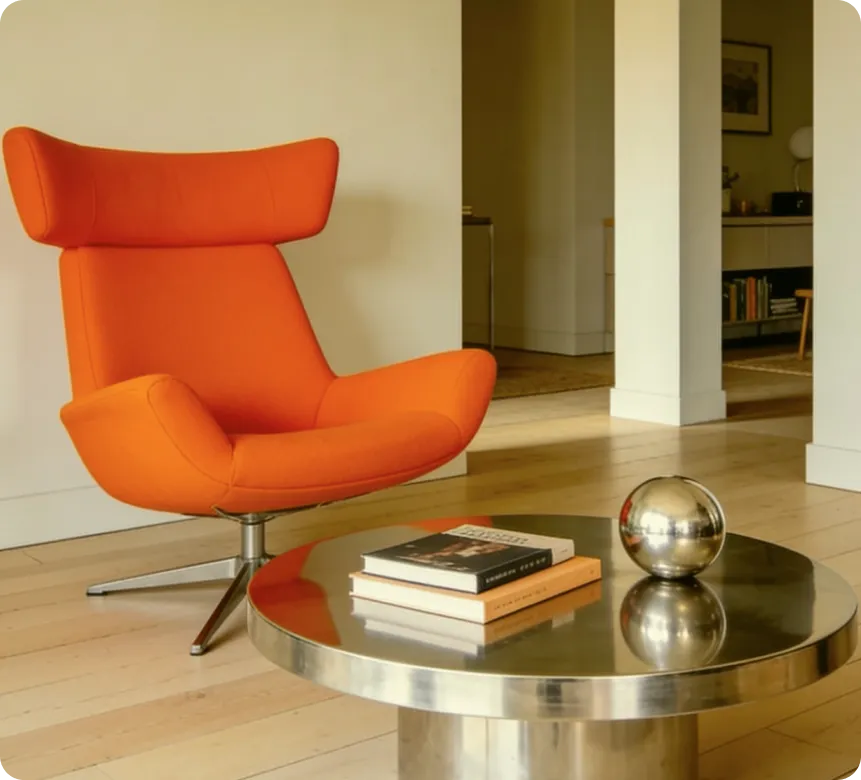
How It Works
01
Upload Your Photo
Select the photo you want to adjust.
02
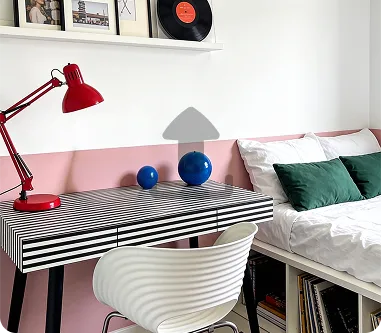
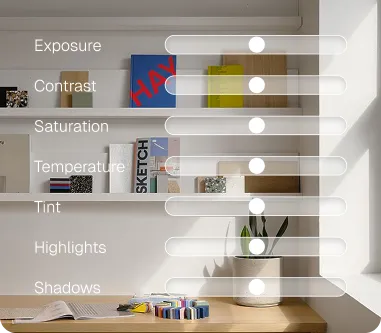
Choose Auto or Manual
Let AI auto-correct colors or fine-tune settings yourself.
03
Apply & Download
Save your color-corrected image instantly.
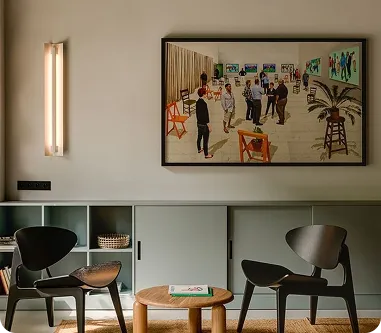
How Image Color Adjust perfects every shot.
Correct Color Casts
Fix unwanted color tints caused by poor lighting conditions, restoring natural and balanced tones to your photos.
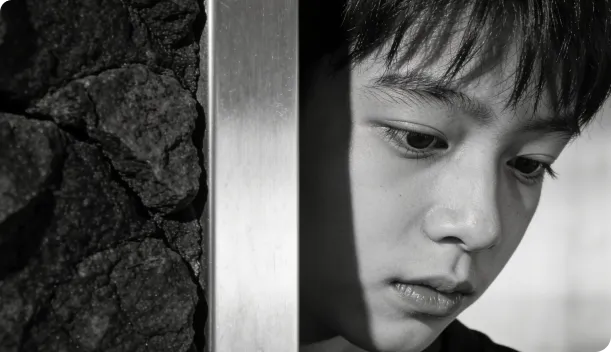
Maintain a Consistent Visual Style
Apply uniform color adjustments across a photo collection, giving galleries, portfolios, or campaigns a cohesive look.
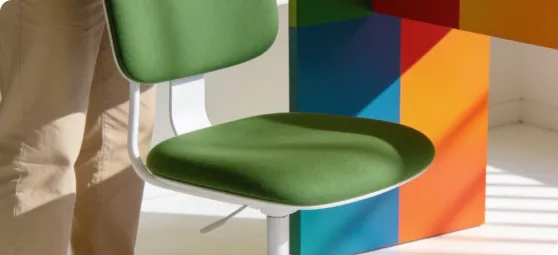
Enhance Product Color
Accuracy
Ensure product photos reflect true-to-life colors, helping customers see exactly what they're buying.
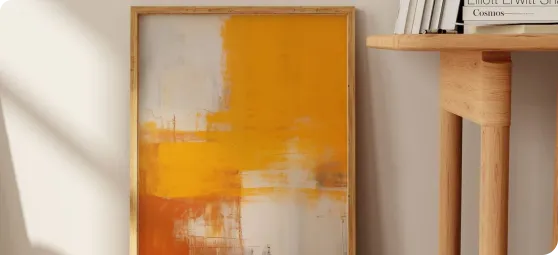
Key Features Image Crop
One-click AI auto color correction
Manual controls for brightness, contrast, saturation, and hue
White balance and color temperature adjustment
Preset filters for moods like vintage, vibrant, or cinematic
Batch color correction for consistent photo sets
Non-destructive editing with before/after comparison
Frequently Asked Questions
Can AI automatically fix color issues?
Yes, the auto color correction feature analyzes your image and applies balanced adjustments instantly.
Can I apply the same adjustments to multiple photos?
Yes, batch processing lets you apply consistent color settings across an entire set of images.
Will color adjustments affect image resolution?
No, color adjustments do not change the resolution or dimensions of your image.


