

Explore Endless Creative Directions From One Image
Upload an image and generate multiple unique variations while keeping the style, subject, or composition you love.

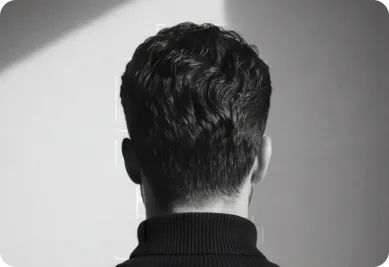
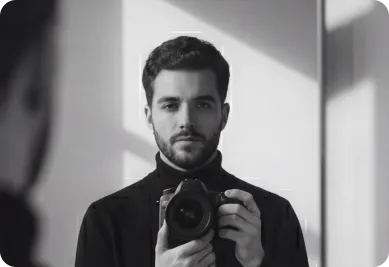
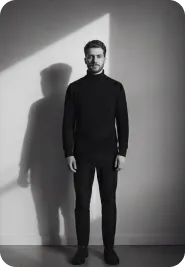
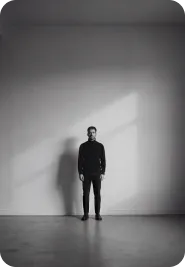

How It Works
01
Upload a Base Image
Choose the image you want to build on.
02
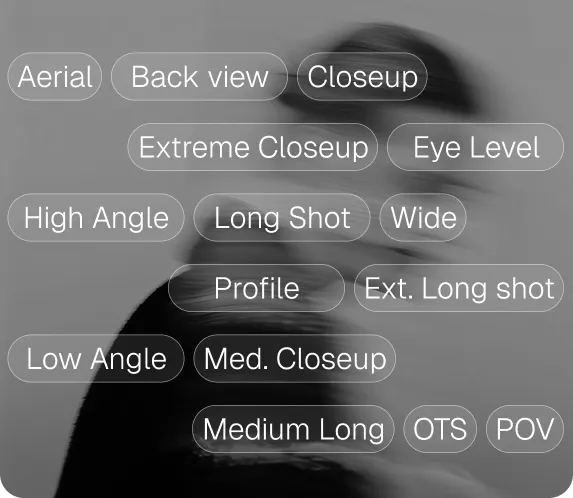
Set Variation Strength
Control how similar or different the results should be.
03
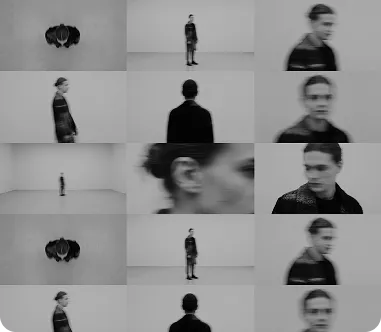
Generate Multiple Options
Receive a set of fresh, unique variations instantly.
Key Features Image Variation
Adjustable similarity and creativity sliders
Generate up to multiple variations per request
Preserve subject, style, or color palette as needed
Combine with prompts for guided variations
High-resolution outputs ready for use
Ideal for A/B testing creative concepts
Explore Design Alternatives
Quickly generate multiple directions for branding or packaging concepts, helping you compare options before committing to a final design.
Generate Client Presentation Options
Create several polished variations of a single concept to give clients more choice and make presentations feel more comprehensive.
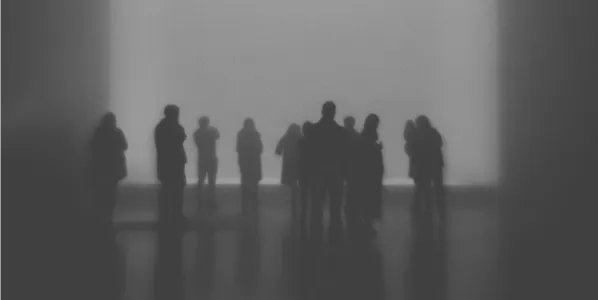
Refresh Existing Artwork
Breathe new life into older designs by generating fresh variations that build on your original artwork without starting over.
Maintain a Consistent Visual Style
Produce a cohesive set of images that share the same look and feel, perfect for campaigns, collections, or multi-asset projects.
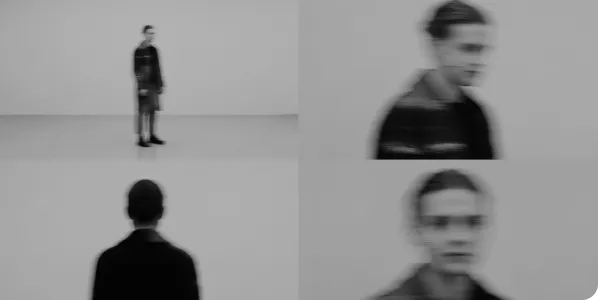
Frequently Asked Questions
How do Linkfilm credits work?
Credits are the main cost unit for generating media. Each model (image, video, or audio) uses a specific number of credits per generation depending on model type, duration, and resolution.
Can I combine variation with a new prompt?
Yes, you can guide the variation with additional text instructions for more control.
How many variations can I generate at once?
You can generate multiple variations in a single batch, depending on your plan.


