

Upgrade Any Video to Crystal-Clear High Resolution
Enhance old, blurry, or low-resolution videos with AI-powered upscaling that restores sharpness, detail, and clarity frame by frame.
How It Works
01
Upload Your Video
Select any low-resolution, compressed, or aged video f ile from your device.
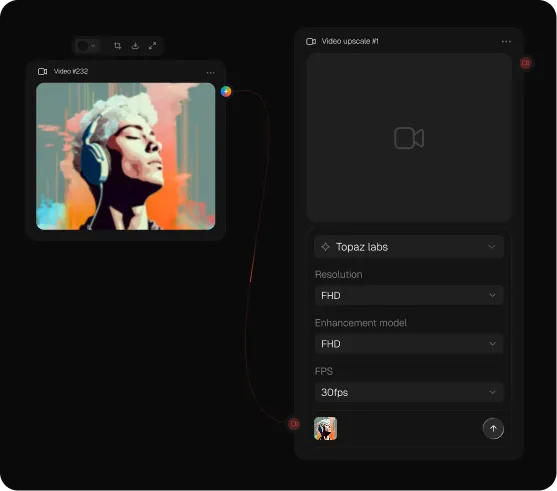
02
Choose Your Upscale Settings
Pick your target resolution — 2x, 4x, or up to 4K — and select any additional enhancement options.
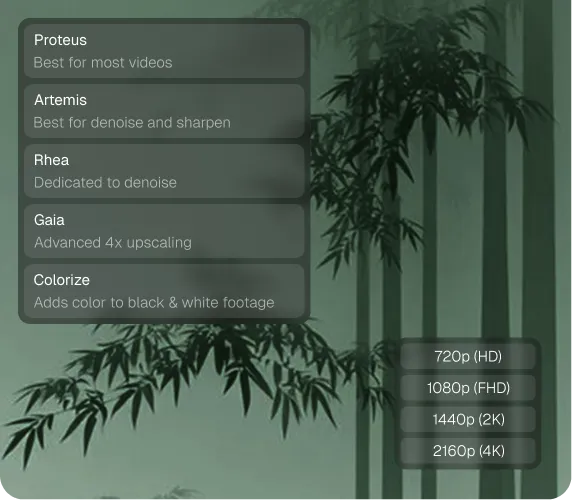
03
Process & Download
Our AI enhances every frame and delivers a sharper, high-quality video ready to use.
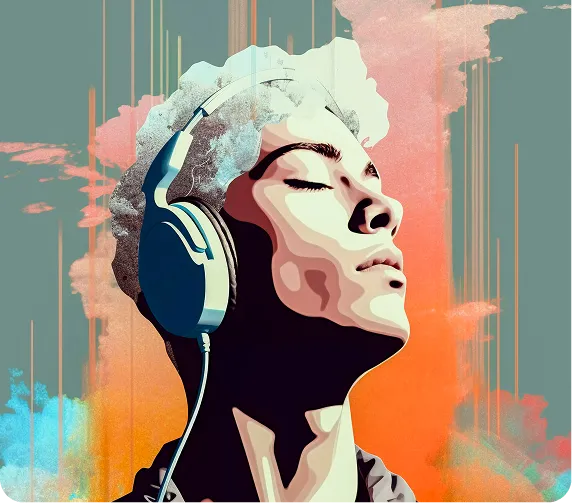
Powerful Features for Every Video
Upscale videos up to 4x their original resolution
Frame-by-frame AI enhancement for consistent quality throughout
Noise reduction and compression artifact removal
Motion smoothness and edge sharpening
Supports MP4, MOV, AVI, MKV, and more
Batch processing for multiple video files at once
Why Creators Choose Video AI Generator
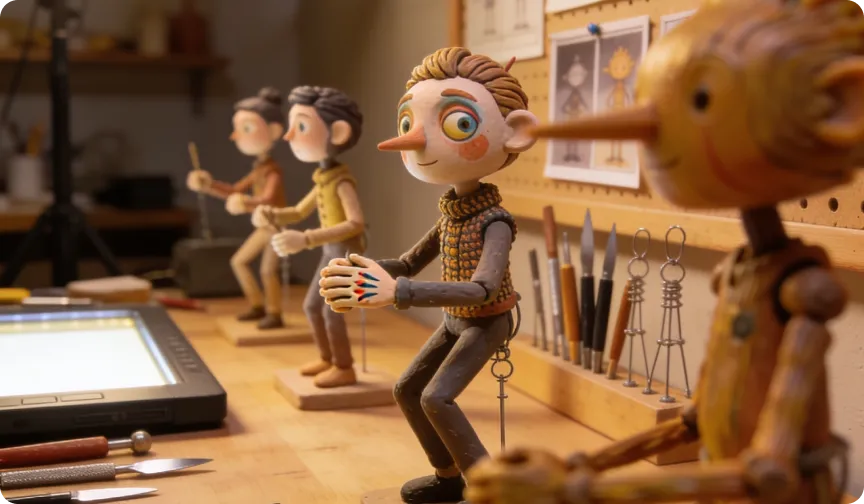
Frame-by-Frame Precision
Every single frame is individually analyzed and enhanced for consistent quality.
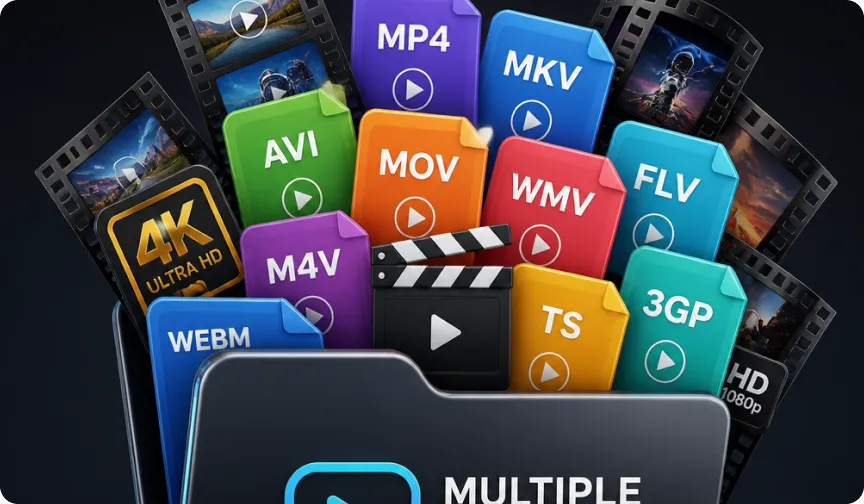
Multiple Format Support
Works with all major video formats without conversion.
Fast Processing
Cloud-based rendering handles even large files quickly and efficiently.

No Quality Loss
Original colors, audio, and timing are fully preserved throughout.
Frequently Asked Questions
What resolutions can I upscale to?
You can upscale videos to 2x, 4x, or up to 4K depending on the original quality and your selected plan.
Will upscaling fix blurry or shaky footage?
Upscaling significantly improves sharpness and reduces noise, though extremely damaged footage may have limited improvement.
What video formats are supported?
We support MP4, MOV, AVI, MKV, and other widely used video formats.
Does upscaling affect the video's audio?
No, the original audio track is fully preserved and included in the output file.
How long does processing take?
Most videos are processed within minutes, depending on file size and selected resolution.


