

Professional Photo Retouching, Powered by AI
Remove blemishes, smooth skin, fix imperfections, and enhance details automatically — no editing skills required.
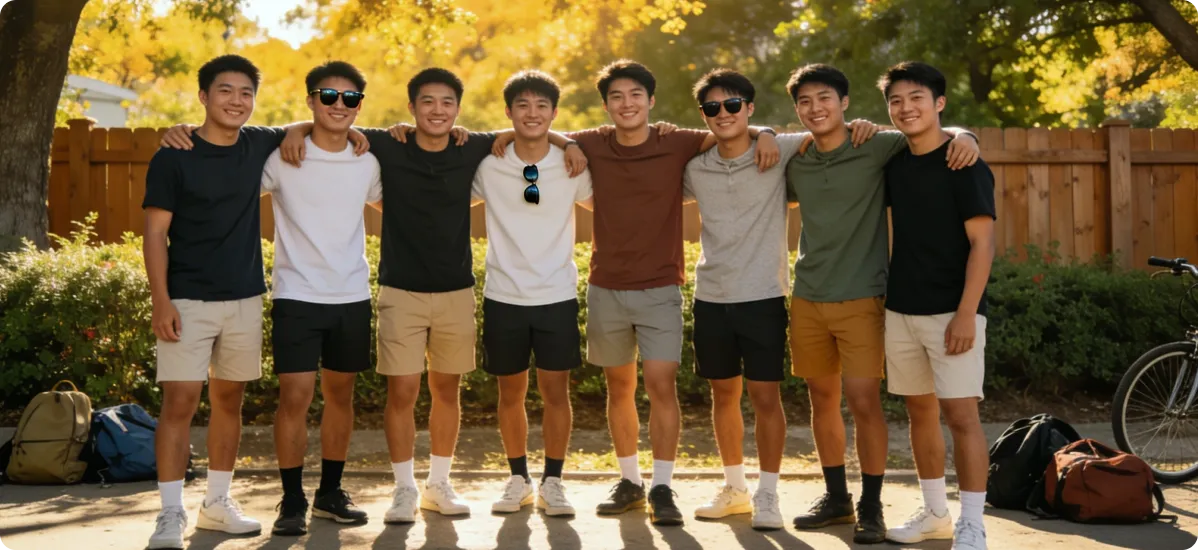
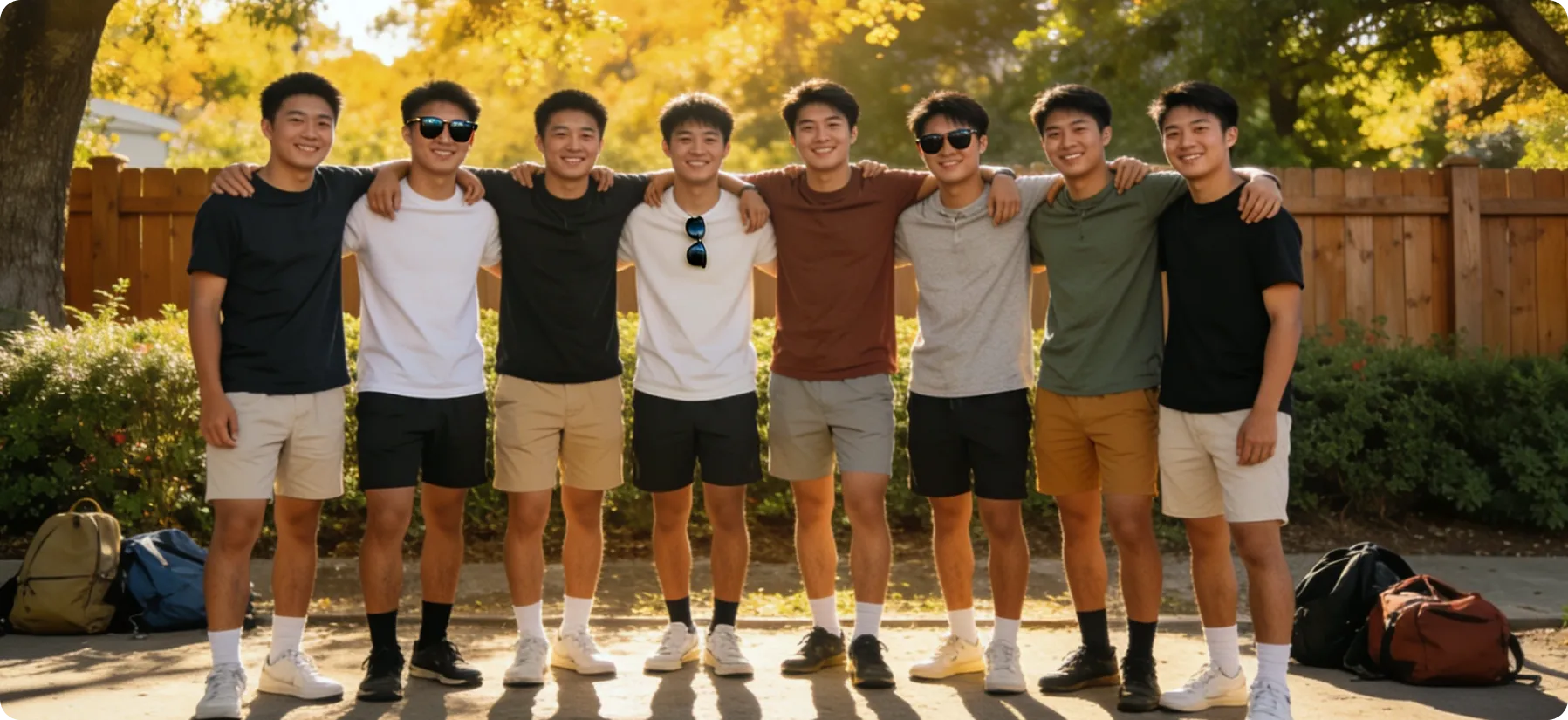

How It Works
01
Upload Your Photo
Choose the image you want to enhance.
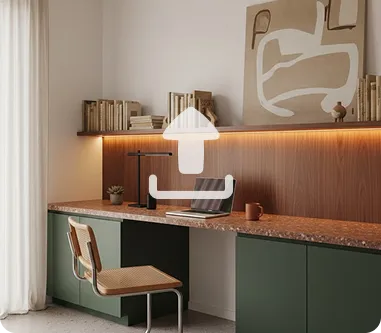
02
Select Retouch Options
Choose skin smoothing, blemish removal, object removal, and more.
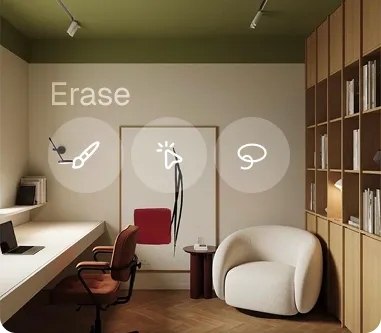
03
Preview & Download
Review the enhanced result and save it instantly.

How Image Retouch helps every photo look its best.
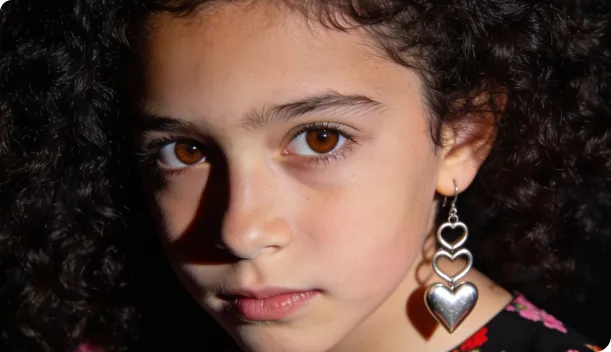
Enhance Portrait Photography
Deliver polished, client-ready portraits by smoothing skin, reducing blemishes, and refining details with natural-looking results.
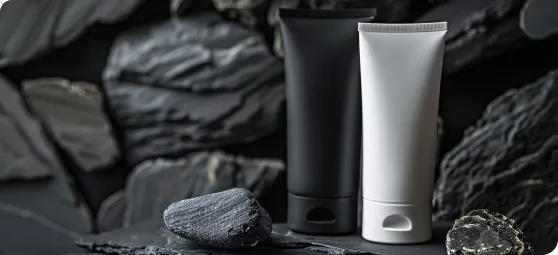
Clean Up Product Photos
Remove dust, marks, or imperfections from product images to present a flawless, professional appearance to customers.
Prepare Professional Headshots
Create clean, polished headshots suitable for resumes, LinkedIn profiles, and other professional uses.
Key Features Image Crop
AI-based skin smoothing and blemish removal
Object and background cleanup tools
Teeth whitening and eye enhancement options
Wrinkle and shadow reduction for portraits
Natural-looking results that avoid an "over-edited" appearance
Batch retouching for multiple photos
Frequently Asked Questions
Will retouching make my photos look fake?
Our AI is tuned for natural results, with adjustable intensity to avoid an overly artificial look.
Can I remove objects from the background?
Yes, the retouch tool includes object removal for unwanted elements in your photos.
Is this suitable for professional photography?
Yes, many photographers use it to speed up their editing workflow for portraits and product shots.


