

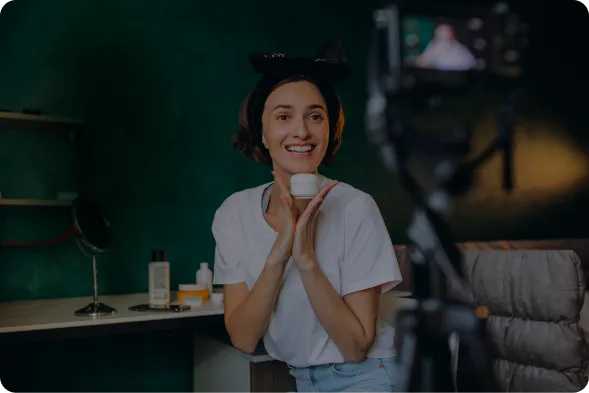
How It Works
01
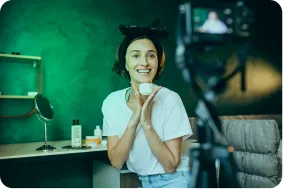
Upload Your Photo
Choose the image you want to relight.
02
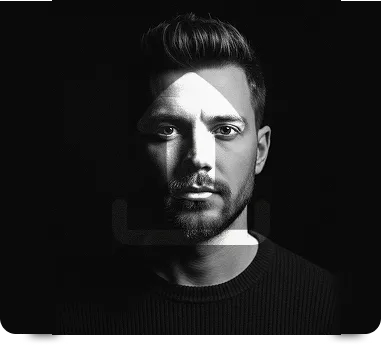
Pick a Lighting Style
Select from presets like golden hour, studio, neon, or natural daylight.
03
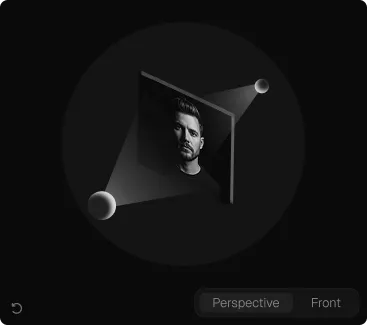
Fine-Tune & Export
Adjust direction and intensity, then download your relit image.
Key Features Image Relight
Realistic AI-powered relighting that preserves texture and detail
Multiple lighting presets (studio, sunset, dramatic, soft natural)
Adjustable light direction and intensity controls
Color temperature adjustment for warm or cool tones
Shadow and highlight recalculation
Works on portraits, products, and landscapes
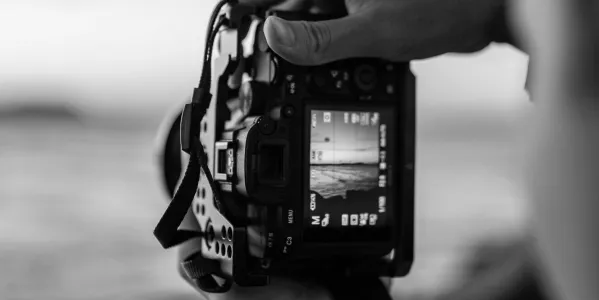
Improve Product Photography
Enhance lighting on product images instantly, giving them a polished, studio-quality look without scheduling another photoshoot.
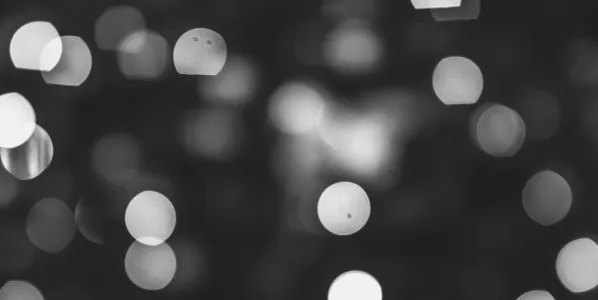
Match Lighting Across Photos
Create a consistent lighting style across multiple images, ideal for catalogs, galleries, or campaigns that need a unified look.
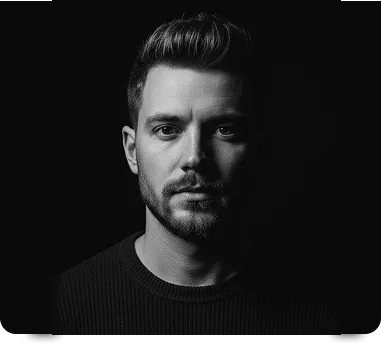
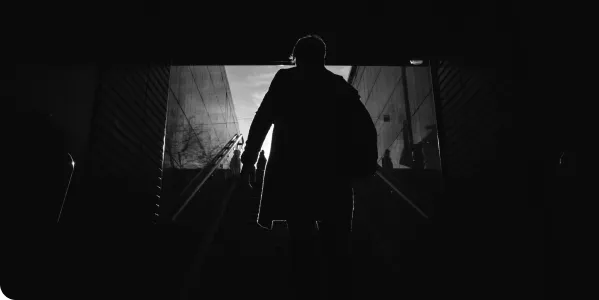
Create Dramatic or Moody Portraits
Add cinematic depth and atmosphere to portraits by adjusting light direction, intensity, and tone for a striking visual effect.
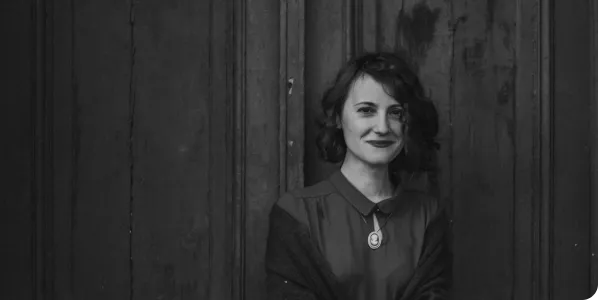
Fix Poorly Lit Photos
Rescue images taken in bad lighting conditions by correcting shadows, highlights, and color balance to restore a natural, well-lit appearance.
Frequently Asked Questions
Does relighting work on portraits?
Yes, our AI is optimized to handle faces and skin tones naturally during relighting.
Can I control the direction of the light source?
Yes, you can adjust the angle and intensity of the light using simple controls.
Will relighting affect image quality?
No, the original resolution and detail are preserved during processing.


