

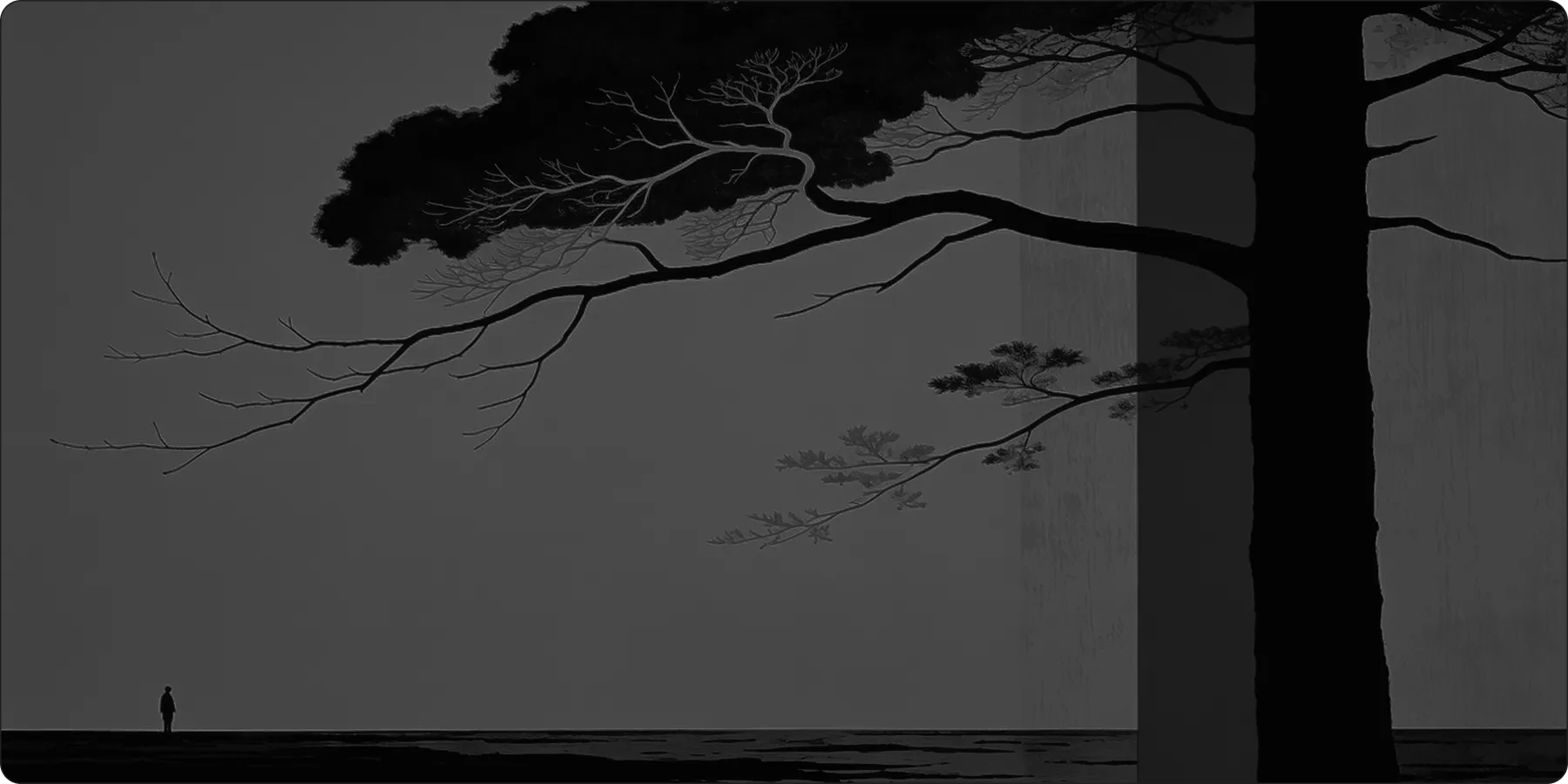
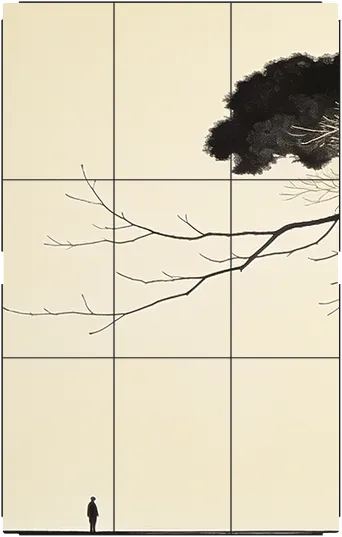
Smart Cropping That Knows What Matters
Use AI to automatically detect the best crop area, or manually fine-tune your image to the perfect frame.
How It Works
01
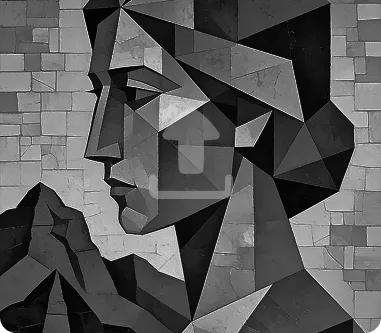
Upload Your Photo
Add the photo you want to crop.
02
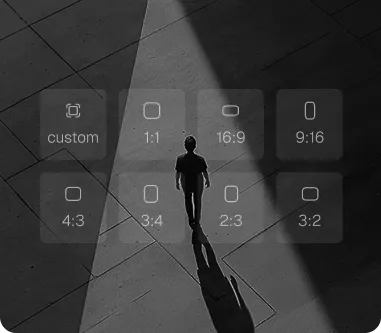
Choose Crop Mode
Use AI auto-crop or manually adjust the frame.
03
Export Your Result
Download the cropped image in your desired aspect ratio.
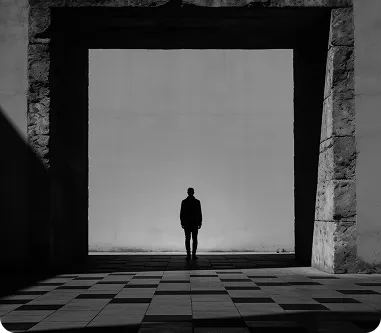
How Image Crop helps you frame every photo perfectly.
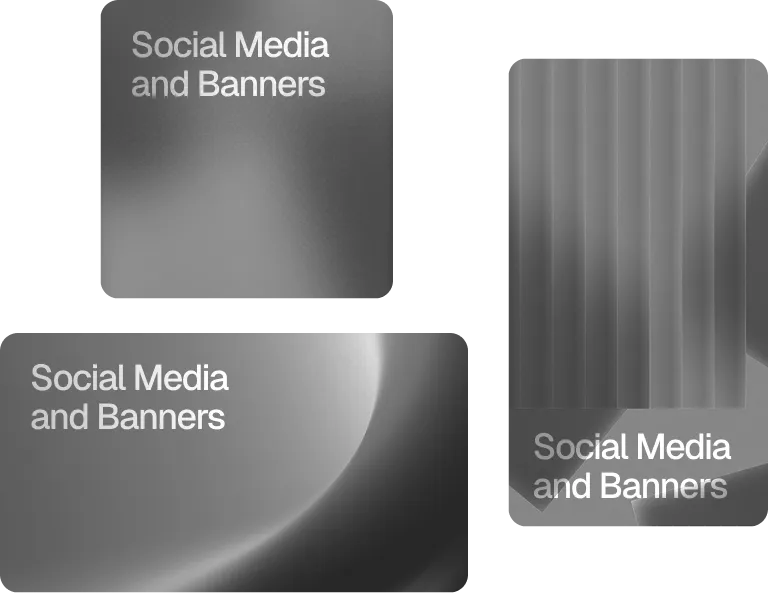
Resize for Social Media and Banners
Quickly crop images to fit Instagram posts, YouTube thumbnails, or website banners with the exact dimensions each platform needs.
Remove Unwanted Background Elements
Trim away distracting or unnecessary parts of a photo to keep the focus on what matters most.
Standardize Product Listing Images
Crop product photos to consistent dimensions, giving your store or catalog a clean, professional, and uniform appearance.
Key Features Image Crop
AI-powered subject detection for smart auto-cropping
Preset aspect ratios for social media, print, and web
Manual drag-and-resize cropping controls
Batch cropping for multiple images at once
Maintains image quality after cropping
Supports custom dimensions and ratios
Frequently Asked Questions
Can AI automatically find the best crop?
Yes, our smart crop feature detects the main subject and suggests the optimal framing.
Can I crop to a specific aspect ratio?
Yes, you can choose from common presets or enter custom dimensions.
Does cropping reduce image quality?
No, cropping only removes pixels outside the selected area — quality within the frame stays the same.


