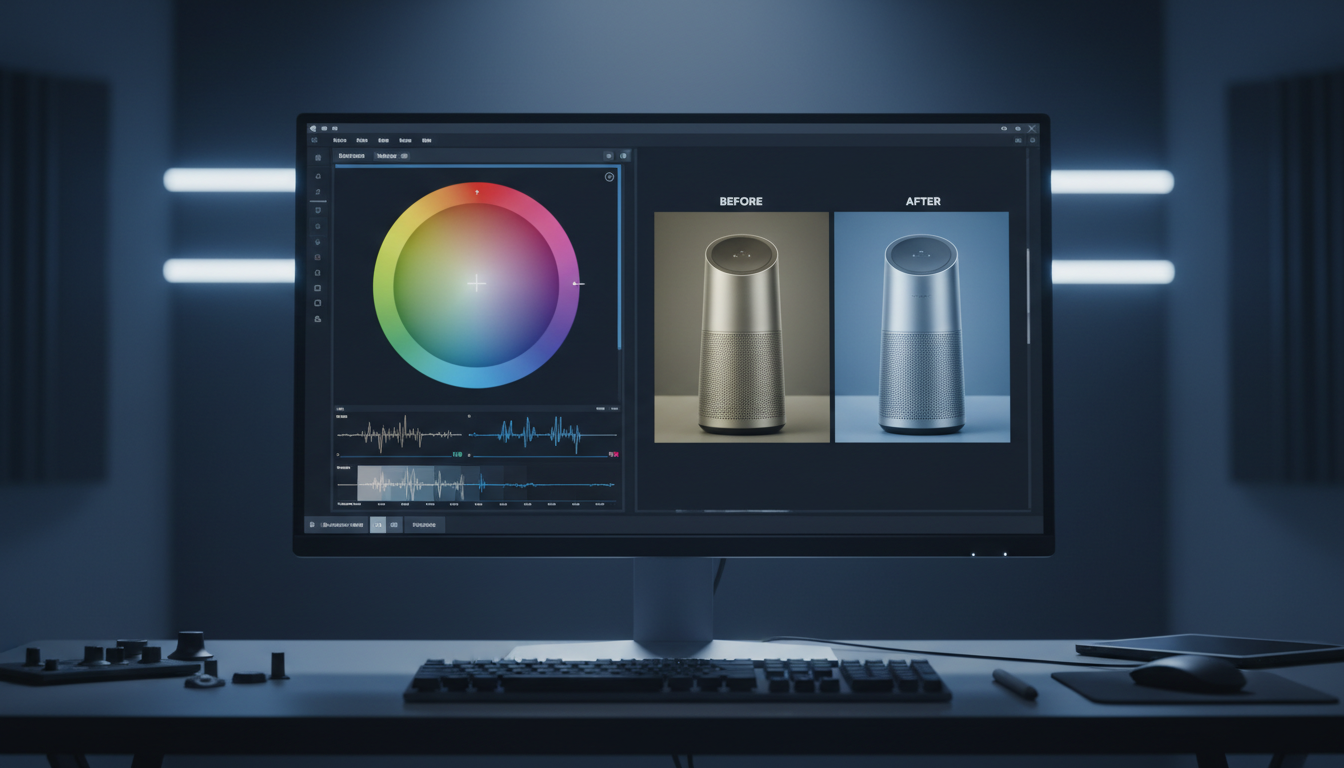
AI Image Relighting: Spatial 3D Light Mapping

What is Image Relight?
Direct Answer: AI Image Relighting is a spatial-aware lighting technology that recalculates the light, shadows, and color gradients of an existing photograph. Instead of applying flat brightness layers, our engine analyzes the 3D geometry of the subject, allowing you to position new virtual light sources anywhere in three-dimensional space after the photo is shot.
Why use Image Relight?
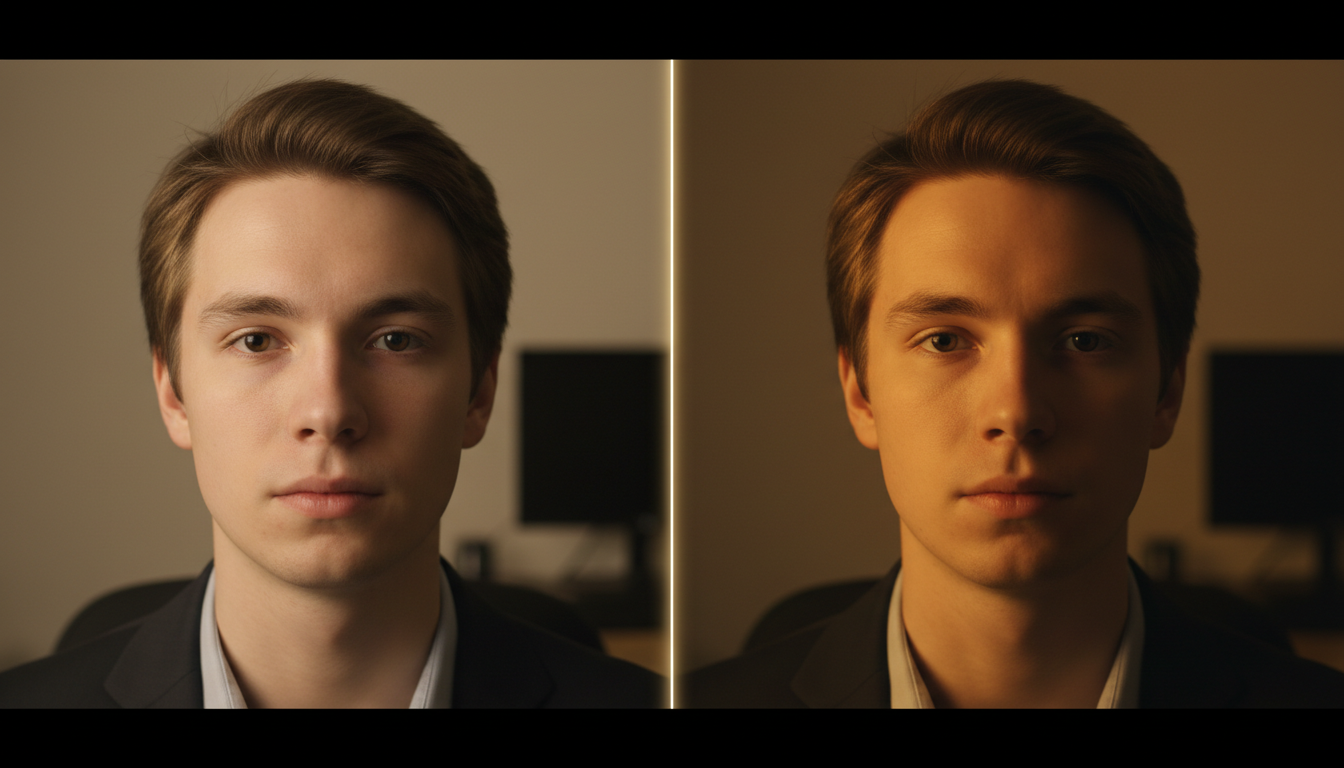
You use this tool to rewrite the lighting environment of any photo without sacrificing texture or color integrity. Standard photo editors stretch existing exposures, which introduces heavy digital noise, washes out details, and clips highlights.
By utilizing a geometry-aware 3D light mapping system, you can cast realistic directional light and soft shadows that wrap naturally around the subject, completely transforming the mood and professional polish of your visual assets.
Core Use Cases of Image Relight
- E-Commerce Catalog Standardization: Convert low-budget or flat smartphone product shots into premium commercial listings by adding directional key lights to highlight textures and finishes.
- Character & Portrait Refinement: Instantly correct corporate headshots or creative character portraits plagued by unflattering overhead shadows, backlighting, or improper color temperatures.
- Seamless Environmental Compositing: Adjust the directional light source of an isolated subject to match the exact light vectors of a new background layer, ensuring cohesive compositions.
Weaknesses of Image Relight
- Requires Manual Parameter Input: It does not feature a generic "beautify" button; you must manually toggle directions, brightness thresholds, and temperature scales to achieve a polished result.
- Edge Artifacts on Poor Cuts: Intricate, loose details (like flyaway hair) can experience slight lighting leakage if the base subject is not cleanly segmented before routing to the relight node.
Why choose our Image Relight?
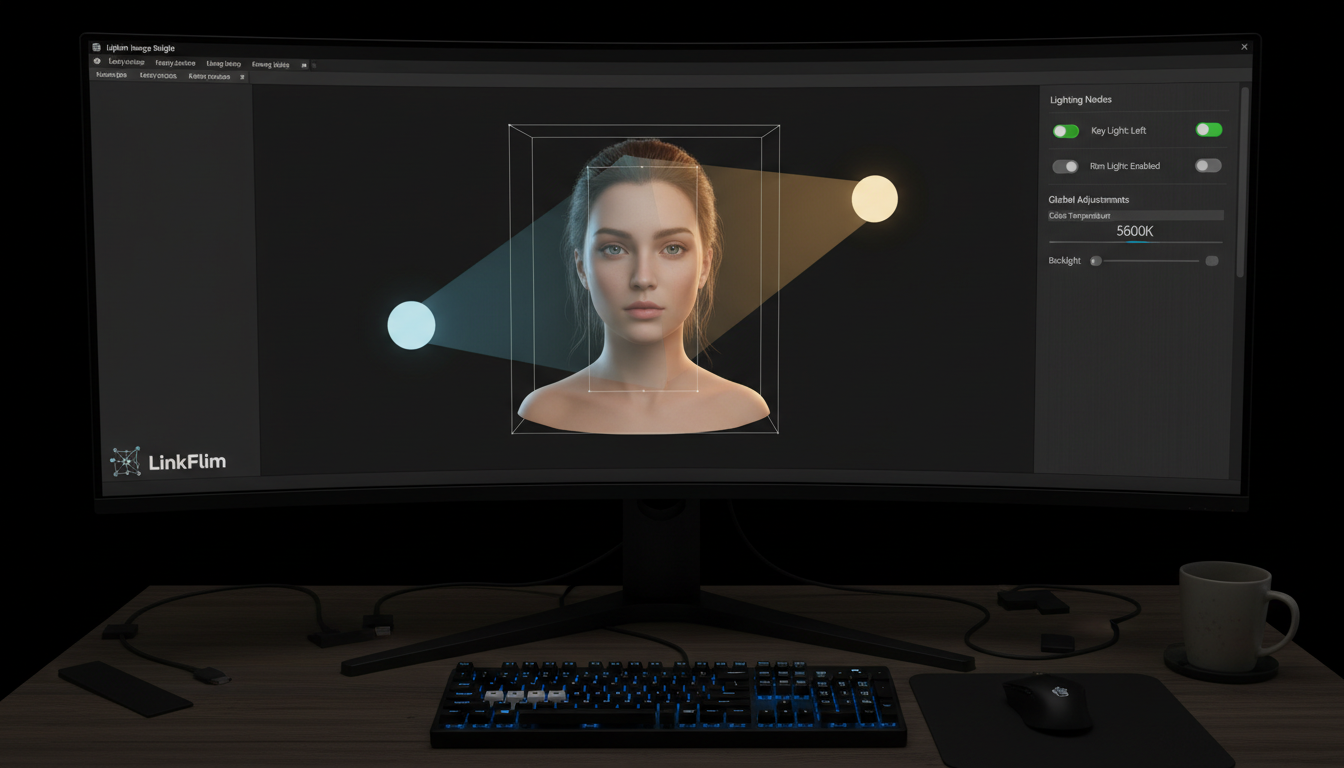
Because we give you granular, manual-first tools to manipulate light in a virtual 3D space. As shown on our canvas, you are not forced to guess prompts or slide blind menus.
Our interface puts precise, responsive dials directly in your hands:
- Manual Key Light Mapping: Instantly snap your primary light source across six exact spatial directions: Top, Bottom, Left, Right, Front, and Back.
- Advanced Rim Light Locking: Create clean cinematic edge separation. The Rim Light feature dynamically locks to three rear projection points, activating automatically when your key light is configured to front, side, or standard 45-degree angles.
- Dual-View Tracking: Switch effortlessly between a standard Front preview and a Perspective layout to track how light rays hit the spatial coordinate grid.
- Exact Environmental Tuning: Slide the Brightness dial (0–100%) and the Color Temperature slider (calibrated up to 5600K) to instantly balance cold daylight or warm indoor tones.
Why choose LinkFlimAI Image Relight?
- No More Black-Box Guesswork: Stop burning compute credits on automated systems that change your subject’s face or clothing when you just wanted to change the light. LinkFlimAI isolates lighting changes from the core identity of your image, giving you predictable, professional outcomes.
- Unified Workspace Connectivity: Our relight tool is an active node on an open canvas. You can seamlessly route a raw asset from the Image Generator, crop it using the Crop Node, relight it, and push the final output straight to the Image Upscaler without ever switching tabs.
- Zero Compression Export: Keep every ounce of detail. We process the lighting vectors directly on your original file resolution, ensuring your final high-definition export is crisp, artifact-free, and production-ready.