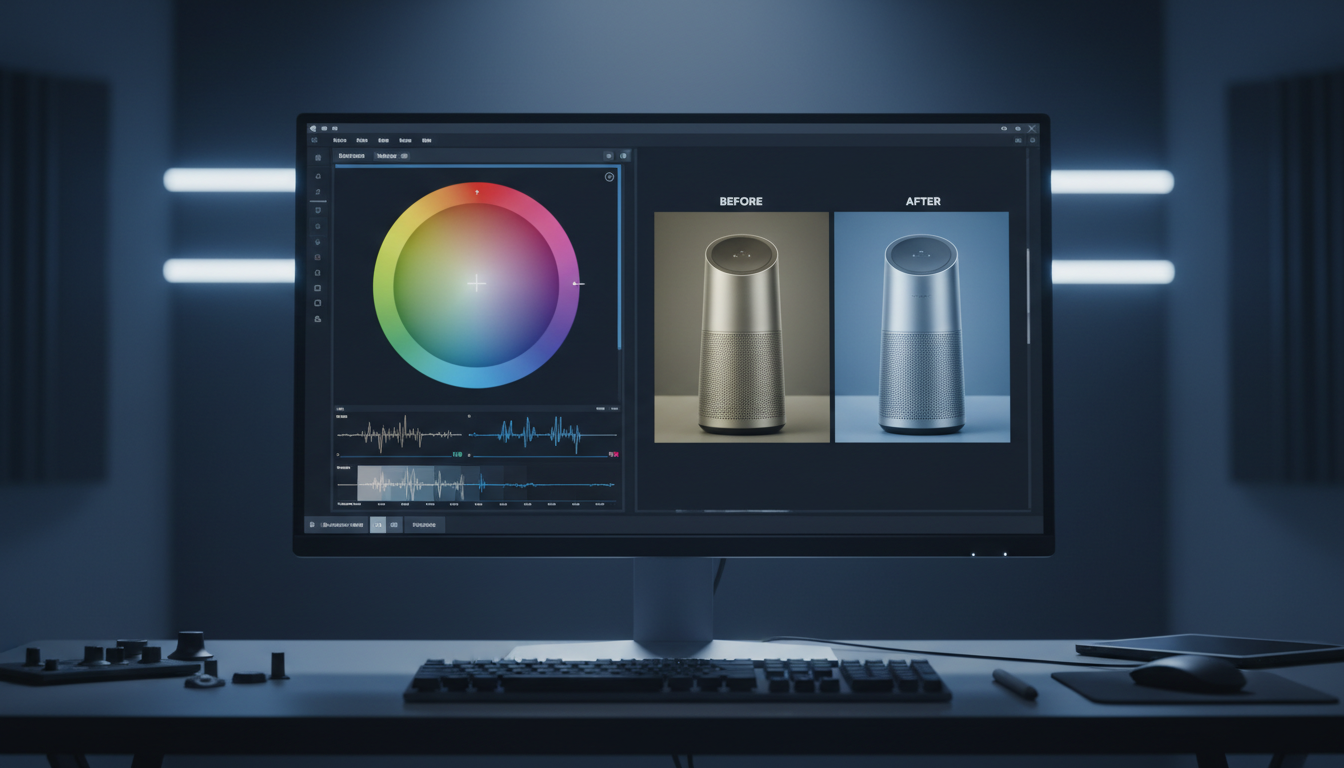
AI Image Cropping with Pixel-Level Control

What is Image Crop?
Direct Answer: AI Image Cropping is a manual-first selection and framing workspace that integrates directly with generative AI pipelines. Instead of letting an automated script guess your boundary lines, our visual node allows you to manually lock in aspect ratios, target coordinates, and composition limits before sending assets to downstream rendering or upscaling models.
Why use Image Crop?
You use this manual-first node to eliminate algorithmic guesswork and maintain absolute control over your visual composition. When adapting a master asset across multi-channel deliverables (like 16:9, 1:1, or 9:16), standard automated croppers frequently crop out the most valuable context.
By manually anchoring your crop lines on our canvas, you ensure that any subsequent generative edit or resolution upscale processes exactly what you intended—down to the specific pixel.
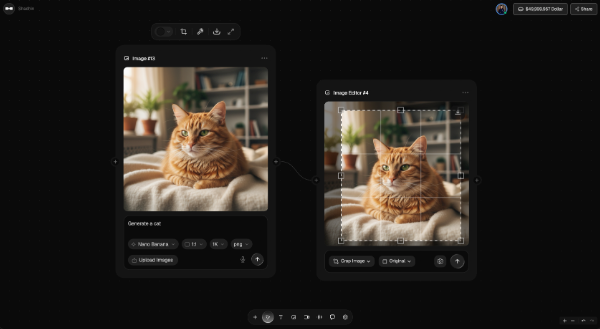
Core Use Cases of Image Crop
- Granular Subject Isolation: Isolate specific elements or subjects from a background before running a targeted generative command, such as passing the cropped frame to a modifier to "remove the facemask from middle".
- Multi-Channel Aspect Ratio Enforcements: Manually crop and adjust layout frames to match standard platform sizes (such as Instagram Stories, web banners, or landscape hero graphics) while visually checking that no key details are lost.
- Pre-Processing for Upscaling & Generation: Crop raw generated files or user uploads to clean up composition margins before routing the asset directly to the Image Upscaler or Relight nodes.
Weaknesses of Image Crop
- Requires Direct Human Input: It does not feature a fully automated "smart crop" algorithm to decide your layout for you; it is designed strictly for designers who want manual, intentional control over their bounding boxes.
- Dependent on Input Resolution: Cropping deeply into an unpolished or small file will naturally expose pixelation and edge artifacts until you route the final crop through a resolution-recovery model.
Why Choose LinkfilmAI Image Crop?
- Total Workspace Transparency: Unlike basic crop tools that operate in isolation, LinkFlimAI places the crop tool directly onto an open, connected node canvas. You visually trace the flow of your asset from the initial crop node straight to your model settings, format drops, and active generation parameters.
- Pixel-Level Control Over Generative Outputs: Because your manual crop coordinates are locked directly into your active model (like Nano Banana 2), you prevent latent drift. You control exactly what the AI sees, preventing unwanted hallucinations and ensuring predictable, production-ready exports every time.